安装OpenClaw 快速安装 curl -fsSL https://openclaw.ai/install.sh | bash
快速配置 ◇ I understand this is personal-by-default and shared/multi-user use requires lock-down. Continue? │ Yes │ ◇ Onboarding mode │ QuickStart │ ◇ Model/auth provider │ Skip for now │ ◇ Filter models by provider │ All providers │ ◇ Default model │ Keep current (default: anthropic/claude-opus-4-6) │ ◇ Select channel (QuickStart) │ Skip for now Updated ~/.openclaw/openclaw.json Workspace OK: ~/.openclaw/workspace Sessions OK: ~/.openclaw/agents/main/sessions │ ◇ Configure skills now? (recommended) │ No │ ◇ Enable hooks? │ Skip for now Config overwrite: /root/.openclaw/openclaw.json (sha256 e20bf2f01a35a0877c70f2eb2ecec6dfad6b9e7b0f9cd59f2342f4706992179b -> 2829efaa7bb43b4f26346d98a3cdf72c0608746bb141eab195e4fd2967a6cda8, backup=/root/.openclaw/openclaw.json.bak) │ ◑ Installing Gateway service… Installed systemd service: /root/.config/systemd/user/openclaw-gateway.service ◇ Gateway service installed. │ └ Onboarding complete. Use the dashboard link above to control OpenClaw.
更改UI的默认访问IP端口 [root@nmk ~]# openclaw configure ┌ OpenClaw configure │ ◇ Where will the Gateway run? │ Local (this machine) │ ◇ Select sections to configure │ Gateway │ ◇ Gateway port │ 8789 │ ◇ Gateway bind mode │ Custom IP │ ◇ Custom IP address │ 0.0.0.0 │ ◇ Gateway auth │ Token │ ◇ Tailscale exposure │ Off │ ◇ Gateway token source │ Generate/store plaintext token │ ◇ Gateway token (blank to generate) │ 6a27e5710dddasda2219b35894d8d78a4f24 Config overwrite: /root/.openclaw/openclaw.json (sha256 2829efaa7bb43b4f26346d98a3cdf72c0608746bb141eab195e4fd2967a6cda8 -> fb43886a843bceb3d8d68224e3c0e1a6486f82577ebdaec9bf45a869df23cedf, backup=/root/.openclaw/openclaw.json.bak) Updated ~/.openclaw/openclaw.json │ ◇ Select sections to configure │ Continue │ └ Configure complete.
配置本地IP访问+允许HTTP 编辑~/.openclaw/openclaw.json
"gateway" : { "port" : 8789 , "mode" : "local" , "bind" : "custom" , "customBindHost" : "0.0.0.0" , "controlUi" : { "allowedOrigins" : [ "http://localhost:8789" , "http://127.0.0.1:8789" , "http://0.0.0.0:8789" , "http://10.0.4.13:8789" # 新增 ] , "dangerouslyAllowHostHeaderOriginFallback" : true , # 新增 "allowInsecureAuth" : true , # 新增 "dangerouslyDisableDeviceAuth" : true } ,
配置后重启服务 [root@nmk ~]# openclaw gateway stop [root@nmk ~]# openclaw gateway install --force Installed systemd service: /root/.config/systemd/user/openclaw-gateway.service Previous unit backed up to: /root/.config/systemd/user/openclaw-gateway.service.bak [root@nmk ~]# openclaw gateway start Restarted systemd service: openclaw-gateway.service
保持存活 使用用户级服务进行管理和启动
systemctl --user restart openclaw-gateway.service
启用 lingering(必需,以便用户服务在登出/空闲后继续存活):
sudo loginctl enable-linger youruser新手引导在 Linux/WSL2 上运行此命令(可能提示输入 sudo ;写入 /var/lib/systemd/linger)。 然后启用服务: ```bash systemctl --user enable --now openclaw-gateway[-<profile>].service
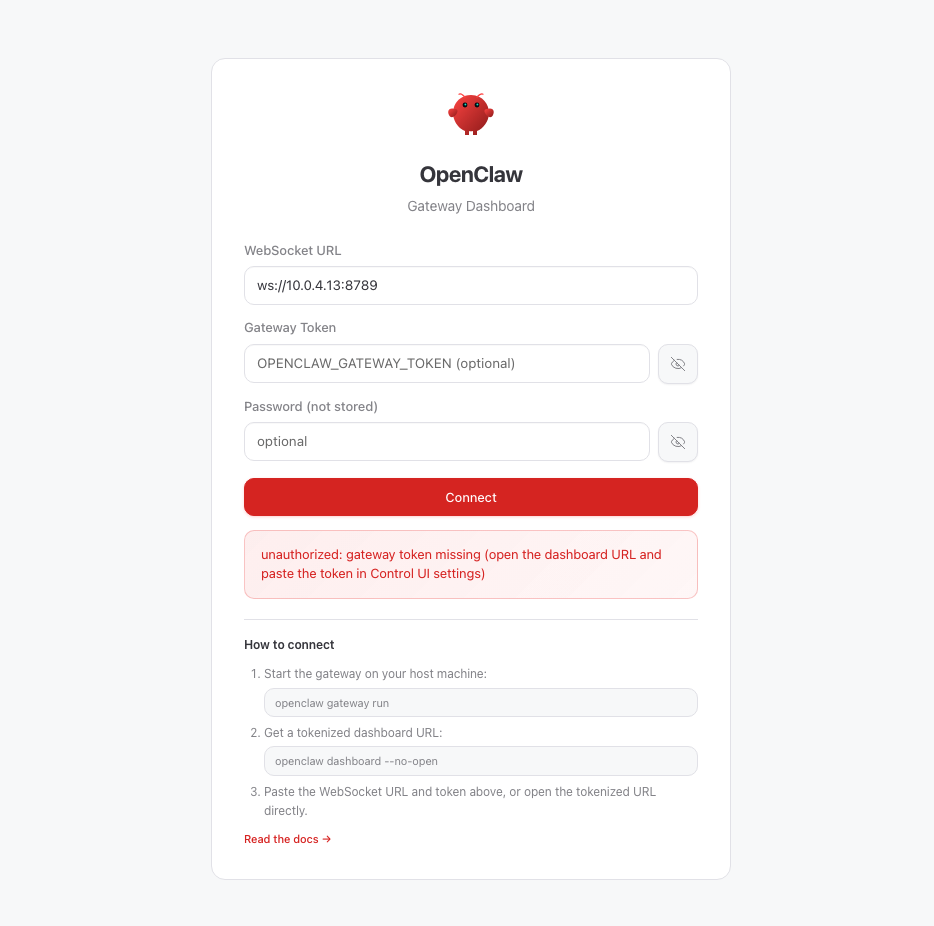
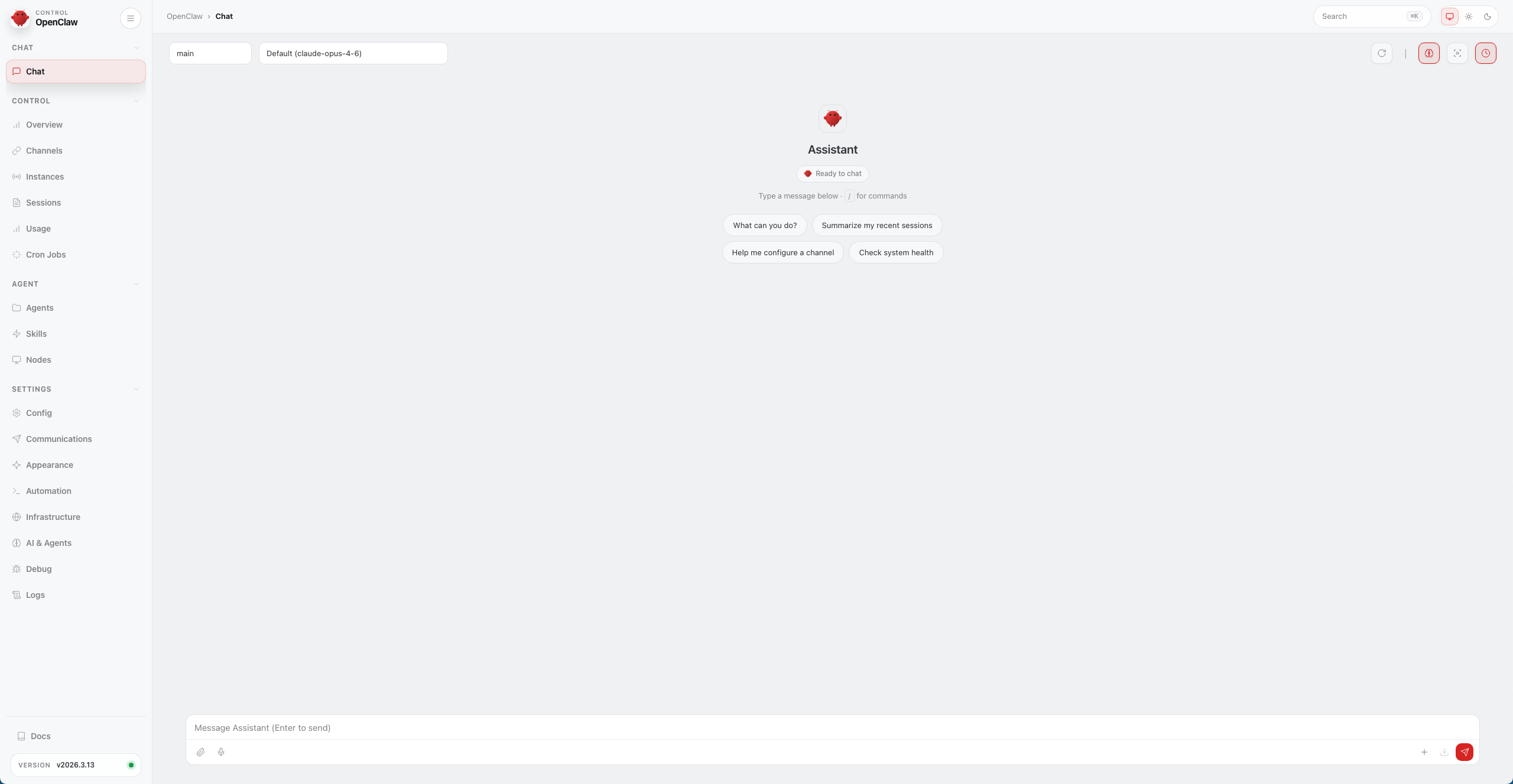
浏览器验证 使用浏览器打开UI
配置模型 编辑~/.openclaw/openclaw.json
{ "models" : { "mode" : "merge" , "providers" : { "idc-llm" : { "baseUrl" : "http://10.0.0.1:41891/v1" , "apiKey" : "placeholder" , "api" : "openai-completions" , "models" : [ { "id" : "Qwen/Qwen3.5-122B-A10B-GPTQ-Int4" , "name" : "Qwen3.5-122B-A10B-GPTQ-Int4" , "contextWindow" : 131072 , "maxTokens" : 65536 , "reasoning" : false , "input" : [ "text" , "image" ] } ] } } } , "agents" : { "defaults" : { "model" : { "primary" : "idc-llm/Qwen/Qwen3.5-122B-A10B-GPTQ-Int4" } } } }
重启OpenClaw
在页面文字对话
去除审批 新版本中OpenClaw执行操作都需要手动进行审核操作
{
  "tools": {
    "exec": {
      "host": "gateway",
      "security": "full",
      "ask": "off"
    }
  },
  "approvals": {
    "exec": {
      "enabled": false
    }
  }
}
2.新建 / 修改:~/.openclaw/exec-approvals.json
{
  "defaults": {
    "security": "full",
    "ask": "off",
    "askFallback": "allow"
  },
  "agents": {}
}
3.重启
再次访问即可直接执行操作。
问题记录 当把第一只龙虾打成镜像后,通过镜像批量开通机器部署龙虾后的问题
[root@nmk ~]# export XDG_RUNTIME_DIR="/run/user/0" [root@nmk ~]# export DBUS_SESSION_BUS_ADDRESS="unix:path=$XDG_RUNTIME_DIR /bus" [root@nmk ~]# systemctl --user daemon-reload [root@nmk ~]# systemctl --user enable --now openclaw-gateway [root@nmk ~]# systemctl --user status openclaw-gateway ● openclaw-gateway.service - OpenClaw Gateway (v2026.3.13) Loaded: loaded (/root/.config/systemd/user/openclaw-gateway.service; enabled; vendor preset: enabled) Active: active (running) since Wed 2026-03-25 11:29:25 CST; 6min ago Main PID: 6405 (openclaw-gatewa) Tasks: 11 (limit : 23190) Memory: 389.0M CGroup: /user.slice/user-0.slice/user@0.service/openclaw-gateway.service └─6405 openclaw-gateway
最后查出根本原因:使用的腾讯云控制台免登录导致,免登录的协议是TAT不是SSH。TAT是伪终端,无登录的远程执行通道。使用SSH登陆启动即可解决报错
2.克隆后无法启动
"gateway" : { "port" : 8789 , "mode" : "local" , "bind" : "lan" , "customBindHost" : "0.0.0.0" , "controlUi" : { "allowedOrigins" : [ "http://localhost:8789" , "http://127.0.0.1:8789" , "http://0.0.0.0:8789" , "http://10.0.4.4:8789" ] , "dangerouslyAllowHostHeaderOriginFallback" : true , "allowInsecureAuth" : true , "dangerouslyDisableDeviceAuth" : true } ,
将custom改为lan后,重新启动后,服务正常https://docs.openclaw.ai/start/getting-started